Try it yourself
Step 1: Get an ElevenLabs API key
Sign up at ElevenLabs and grab a free API key. This is what powers the voice synthesis — no credit card required to get started.
Step 2: Deploy EchoDeck
Deploy on Railway to spin up your own server. Railway will ask you to configure environment variables — all that is needed is your ELEVENLABS_API_KEY.
Step 3: Connect it to Claude
Once deployed, grab your server URL from Railway. Then:
- Open Claude Desktop → Settings → Integrations
- Add a new Custom MCP Connector
- Paste in your EchoDeck MCP URL
That's it. Claude now knows how to make videos.
Step 4: Build a presentation from scratch
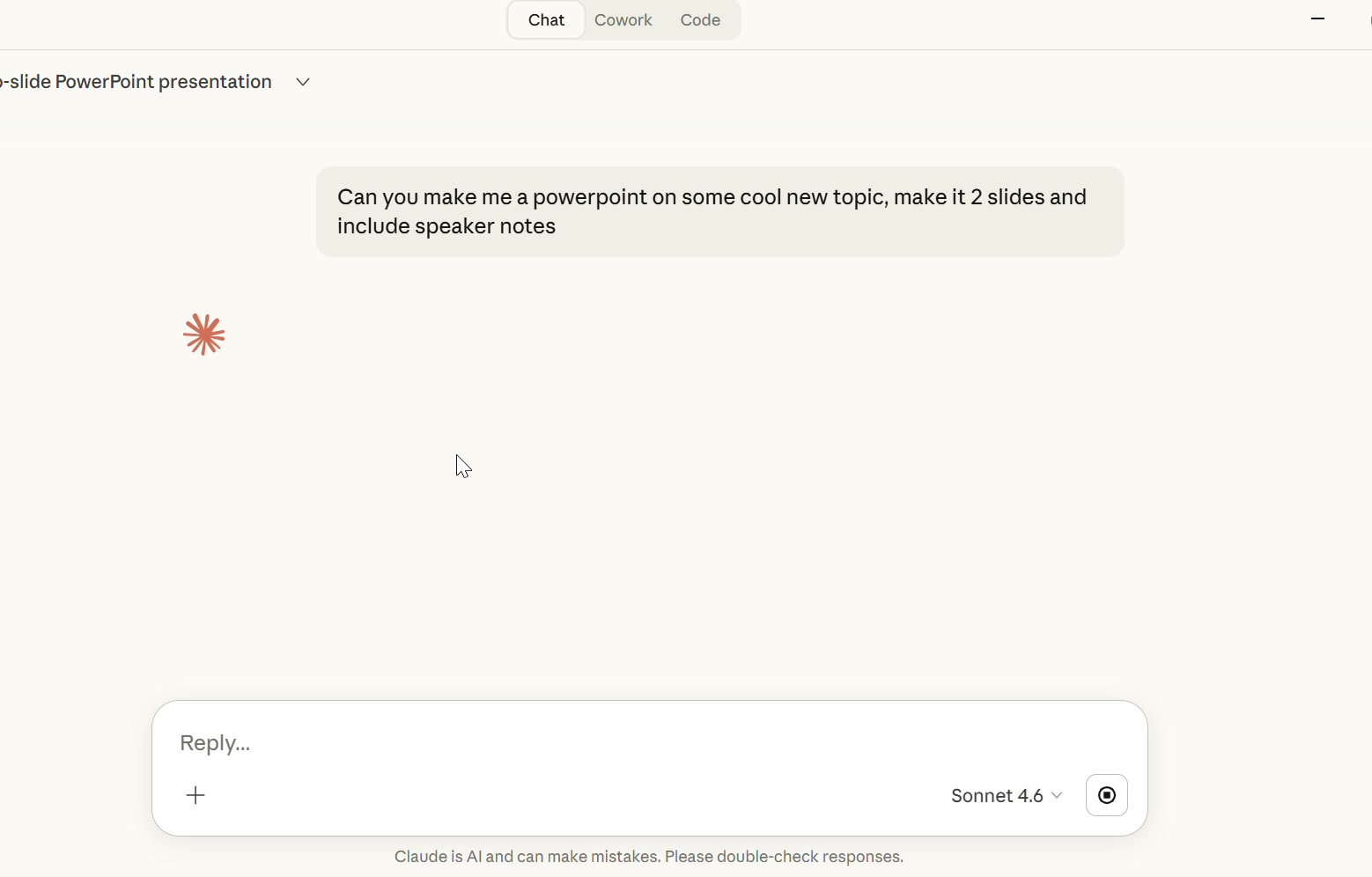
Open a new Claude conversation and type:
"Build me a PowerPoint on [any topic you want] with speaker notes."
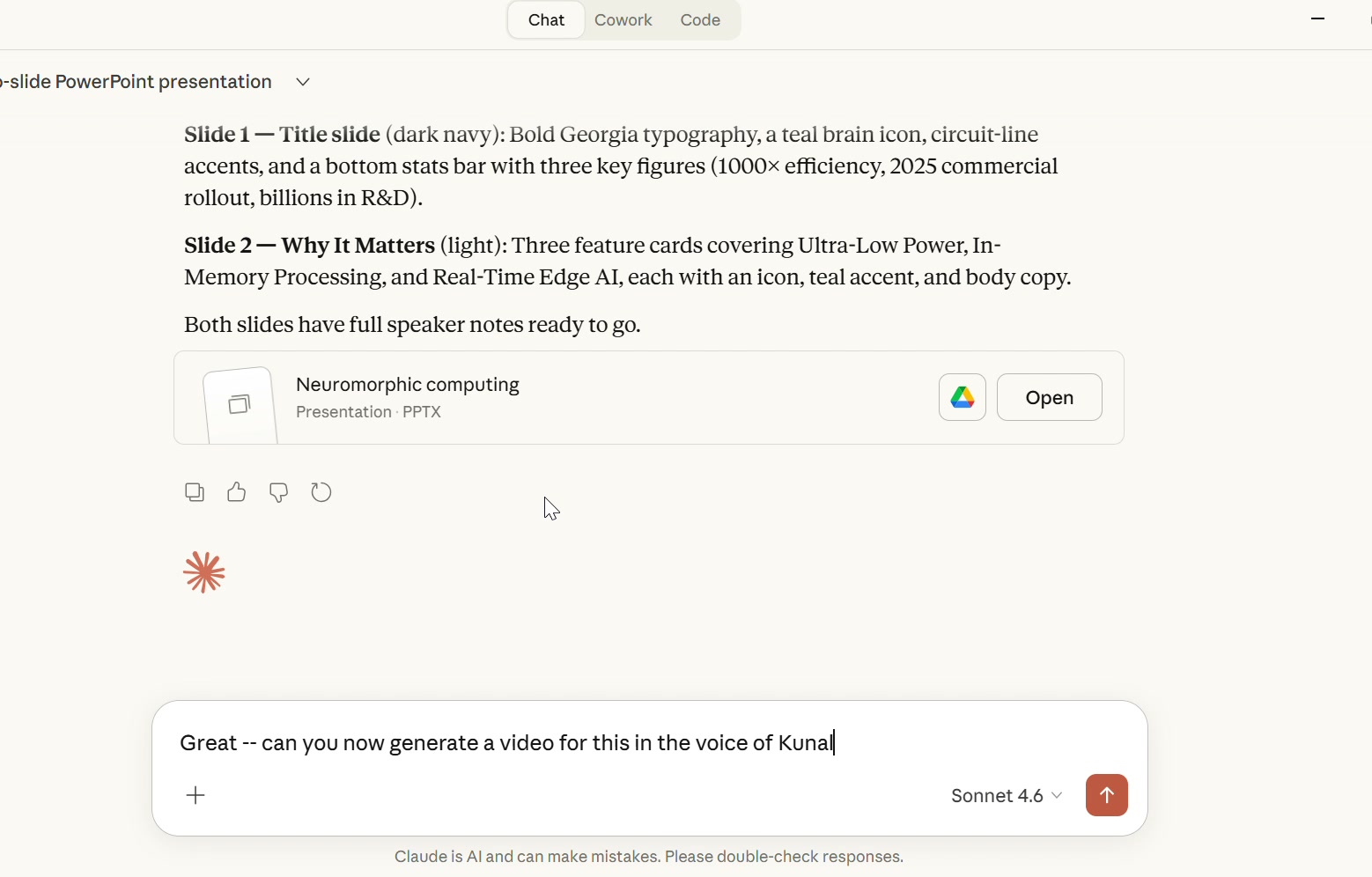
Claude will generate a full .pptx — slides, content, speaker notes — and hand you the file. No template. No outline. Just a finished deck.
Step 5: Turn it into a narrated video
In that same conversation, say:
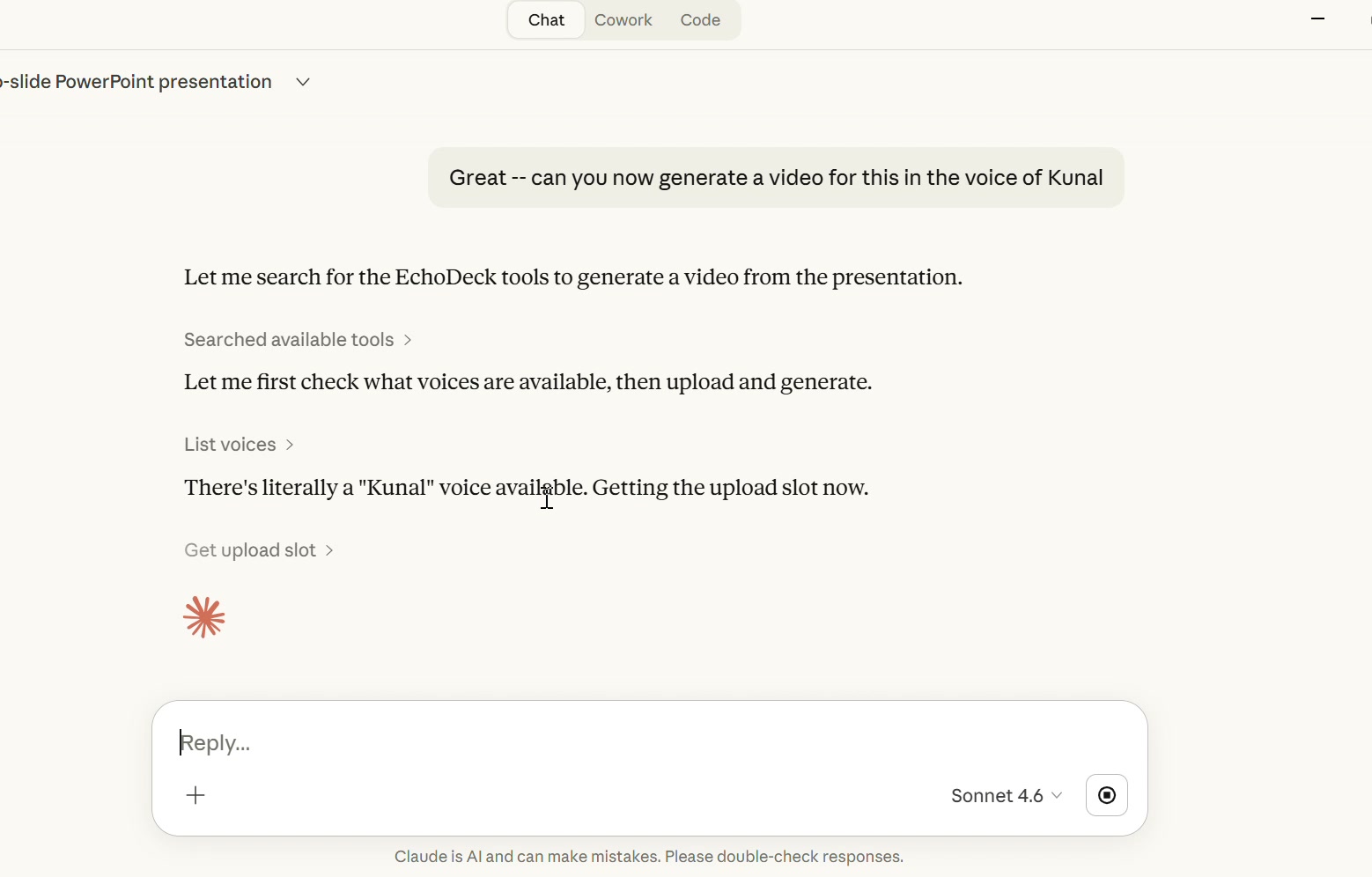
"Turn this into a narrated video using the Bella voice."
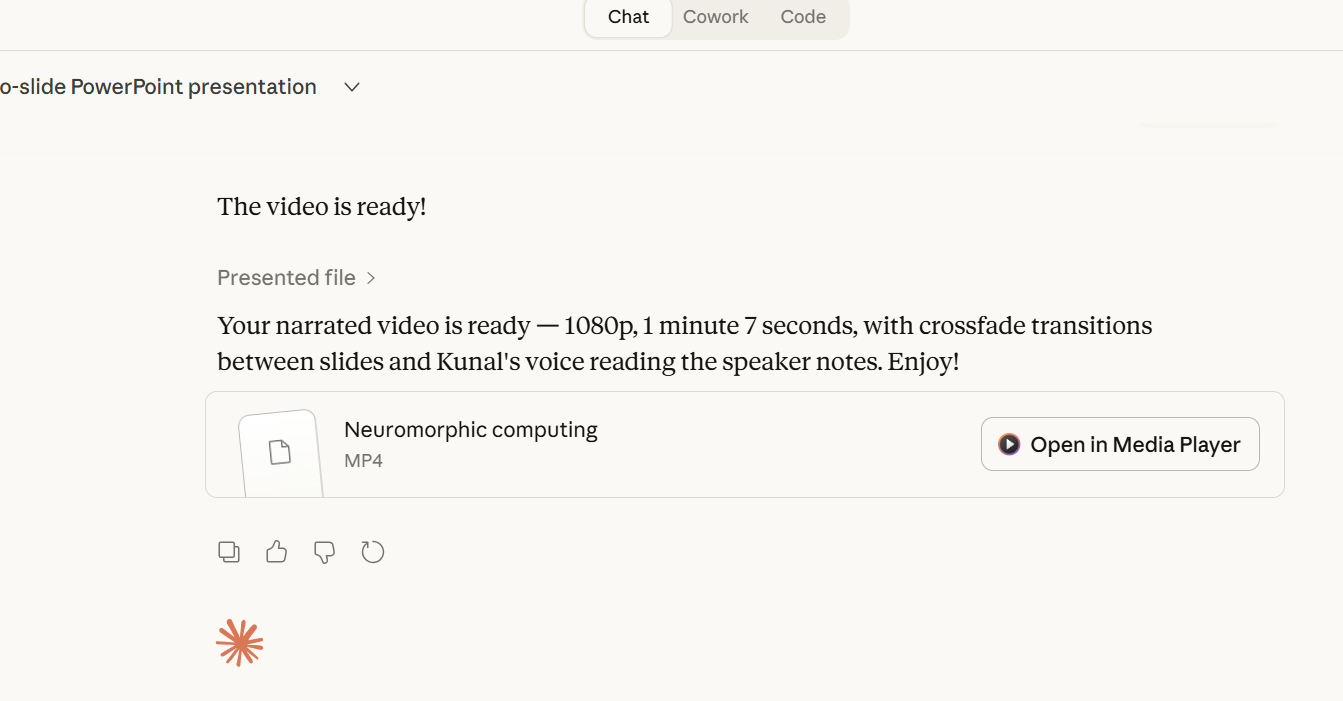
Claude uploads the deck to your EchoDeck server, generates speech from the speaker notes, stitches everything into an MP4 with transitions, and gives you a download link. The whole thing takes about a minute.
You just went from an idea to a fully narrated video presentation without opening PowerPoint, a video editor, or a microphone.
A note on security: This MCP server has no authentication. Use it as an experiment only.
Technical challenges
Tool call limits
Claude polls the server to check if your video is finished rendering. On longer videos, it hits a tool call limit before the video is done. This is a Claude platform limitation — it happens with Claude's own built-in tools too — and will likely go away as Anthropic raises the ceiling. For now, longer videos will prompt you to manually tell Claude to "continue" until rendering completes.
Getting large files to the server
The harder problem was file transfer. MCP tools communicate through Claude's context window, which means you can't just pass a 10MB PowerPoint file as a tool argument — it would blow through the token limit.
The solution was a two-step handoff. Instead of sending the file through the MCP protocol, the get_upload_slot tool returns an upload URL and a pre-built curl command. Claude then uses its built-in command execution to run that curl command directly — uploading the file out-of-band, outside the context window entirely. The server responds with a file_id, and Claude passes that small string to generate_video. Large file in, tiny reference out.